Features · For practices
Every part of PreviewMD exists to book a consult or schedule a procedure.
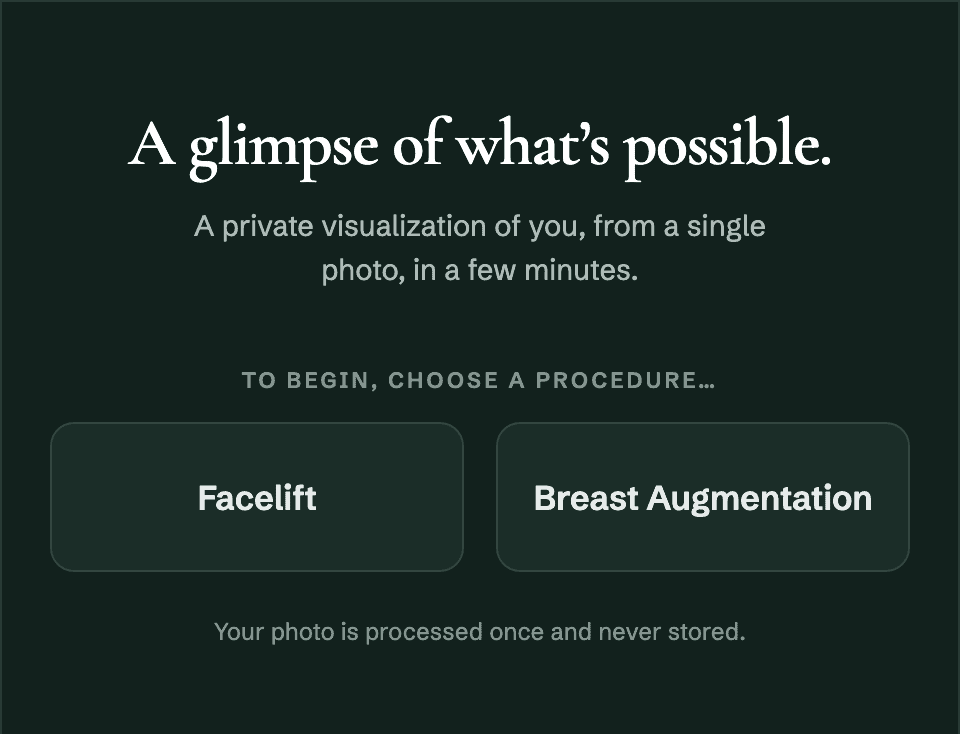
PreviewMD shows a prospective patient how they could look after the procedure, takes their contact details in exchange, and sends them into the tools your team already uses.
No developer needed. Live on your site in minutes.
Your dashboard · Leads
777
Leads this month
Sarah M.
Facelift · from /facelift/
Your dashboard · Leads
777
Sarah M.
Facelift · delivered to GoHighLevel
Surgical validation
Fine-tuned by decades of surgical experience.
The AI model for each procedure is fine-tuned with a double board certified plastic surgeon who has spent more than three decades in practice. The result is surgical precision: anatomy that behaves the way it would in surgery, on the patient’s own photo.
- Anatomically correct previews, tuned separately for men and for women.
- Every simulator ships only after it passes the surgeon’s validation.
- Framed to patients as a visualization: your consultation stays the authority.


Website traffic
Turn the traffic you already pay for into consults.
Most of the people researching a procedure on your site leave without ever identifying themselves. PreviewMD gives them a reason to introduce themselves: their own result, in exchange for their contact info.
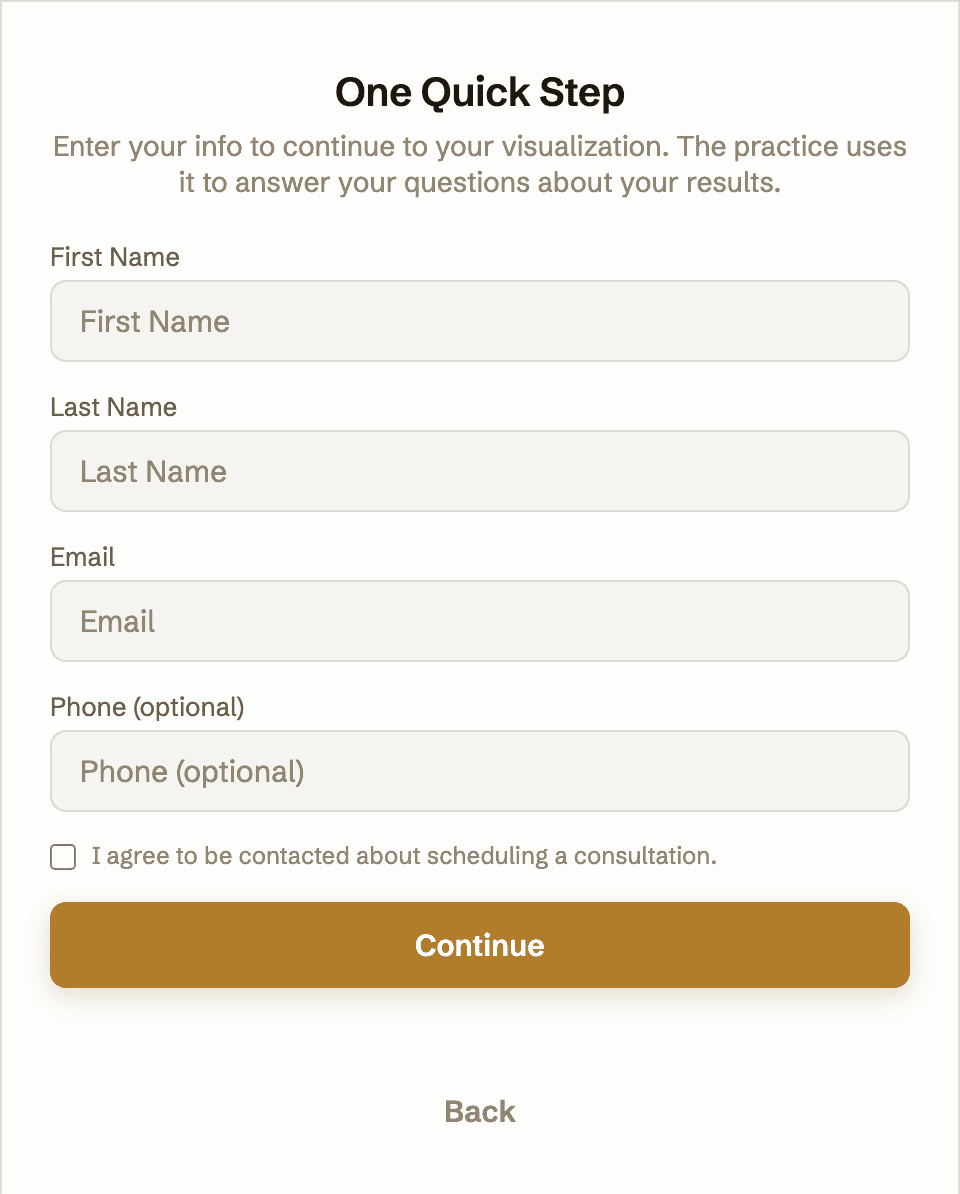
- The form sits in front of the render, at the moment the patient most wants to see themselves.
- Every preview hands you a name and an email address.
- When the result lands, the next button is your booking page.
Sample practice data
7,354
Visitors who saw the widget
14%
1,064
Started a preview
73%
777
Leads in your CRM
Each one arrives with contact info and the procedure they previewed.
In the consult room
Close more of the consults you already booked.
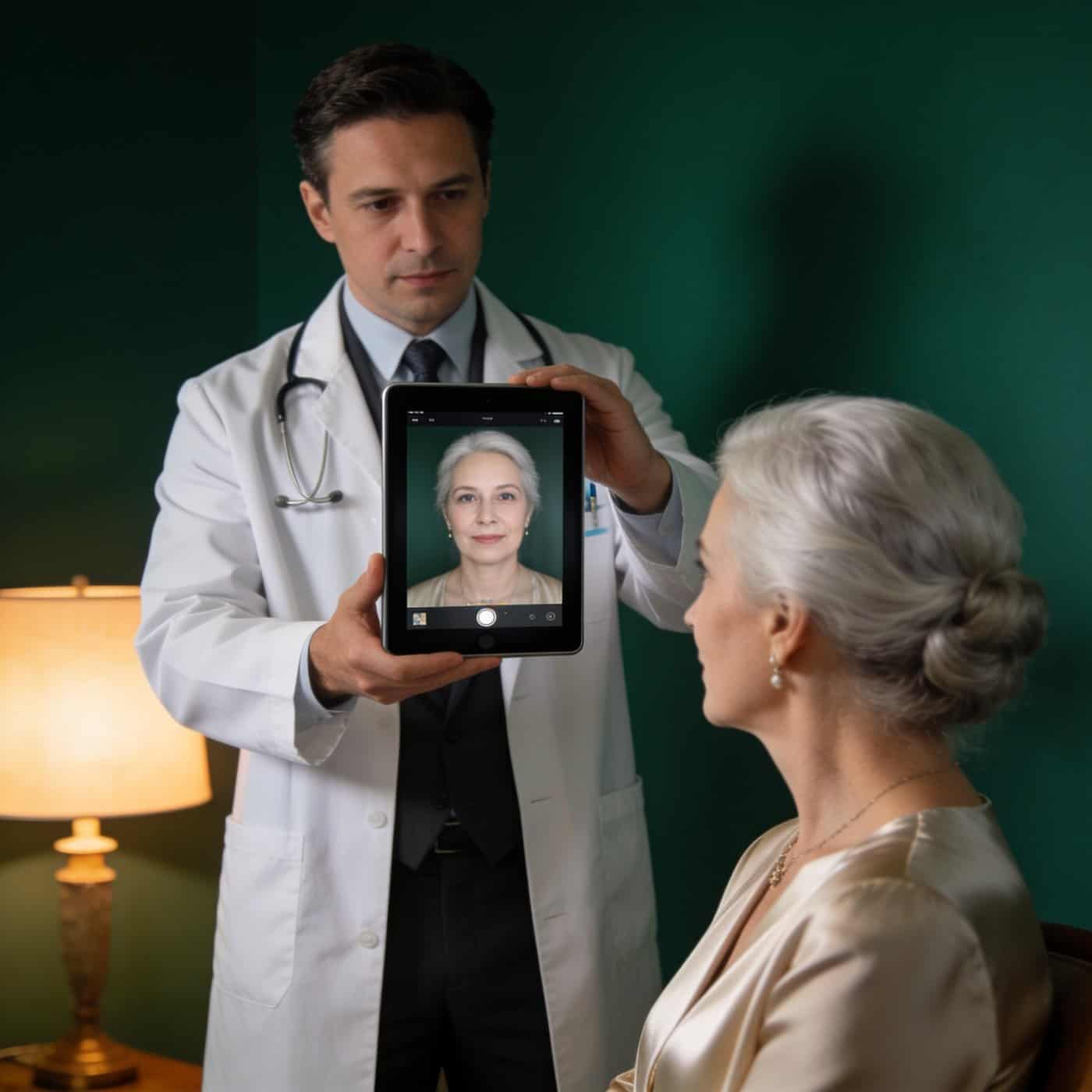
The hardest moment in a consultation is asking a patient to imagine the result. Open PreviewMD on a tablet, take the photo, and keep talking while it renders.
- The patient looks at themselves, not at a gallery of somebody else’s results.
- The conversation moves straight from the preview to scheduling the procedure.
- In-consult use is included in every plan: same subscription, same preview allotment, nothing extra to buy.
See it render on your own photo.
Your systems
The lead is in your CRM before the patient closes the tab.
No new inbox, no new login, nothing for your front desk to learn. Native integrations, a Keragon connection that reaches 450+ more systems, and a universal webhook for anything else: however your practice runs, the lead gets to you.
One lead in, every system notified.
Pick a route or run several at once.


More native integrations are on the way.
450+
healthcare systems Keragon reaches
Ready for your follow-up.
Leads arrive the way your systems expect them. Trigger any automation you want, handle the lead however you handle leads: your system has all the data it needs.
Connect as many destinations as you like. Every one of them gets every lead.
Your brand
It looks like your practice, not like a third-party tool.
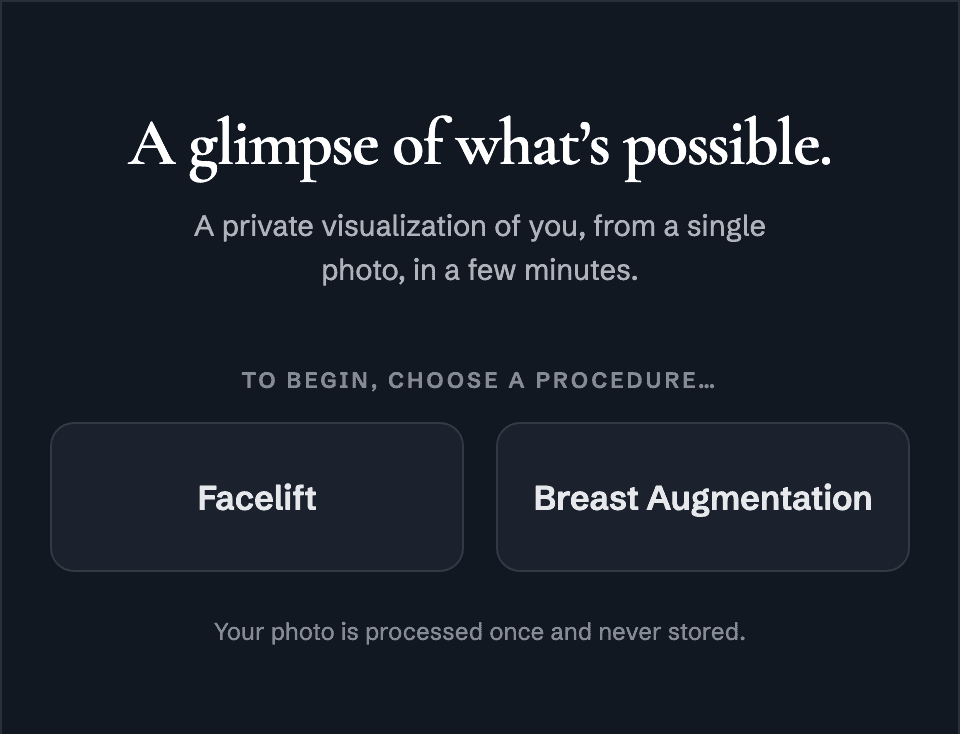
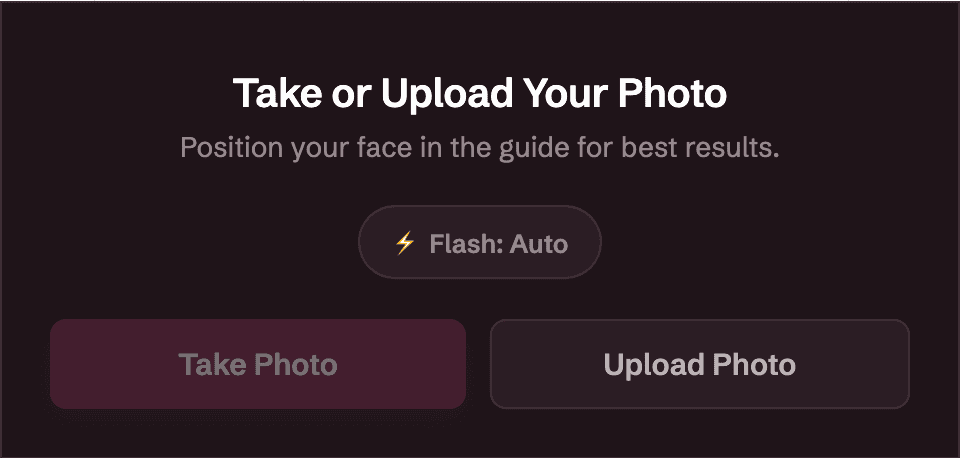
The widget runs on your own domain in your own colors. White label it and our name is gone from the patient experience entirely.
- One brand color themes the button, the window and the result screen, in light or dark.
- White label removes the PreviewMD name from the patient experience entirely.
- Your embed code is locked to your domain, so another practice can’t lift it onto their site.
During the wait
The minutes they wait belong to you.
A render takes about 3 to 4 minutes, and the patient spends them staring at your widget with nothing else to do. Out of the box the wait screen runs built-in notes; write your own cards and those minutes become a sales and teaching moment.
- Write your own cards: financing, recovery, your surgeon’s credentials, a procedure you want to grow.
- Your dashboard shows each card’s views and clicks, so you know what holds attention.
- Works from day one: the built-in notes run until you replace them.
Rendering your preview
About three more minutes.
While you wait
No-interest financing for 12 months
Most patients are approved in under a minute, before they leave the page.
While you wait
Meet your surgeon
Double board certified, more than three decades in practice.
While you wait
Recovery, honestly
What the first two weeks actually look like, from your care team.
Analytics
See exactly what it’s doing for you.
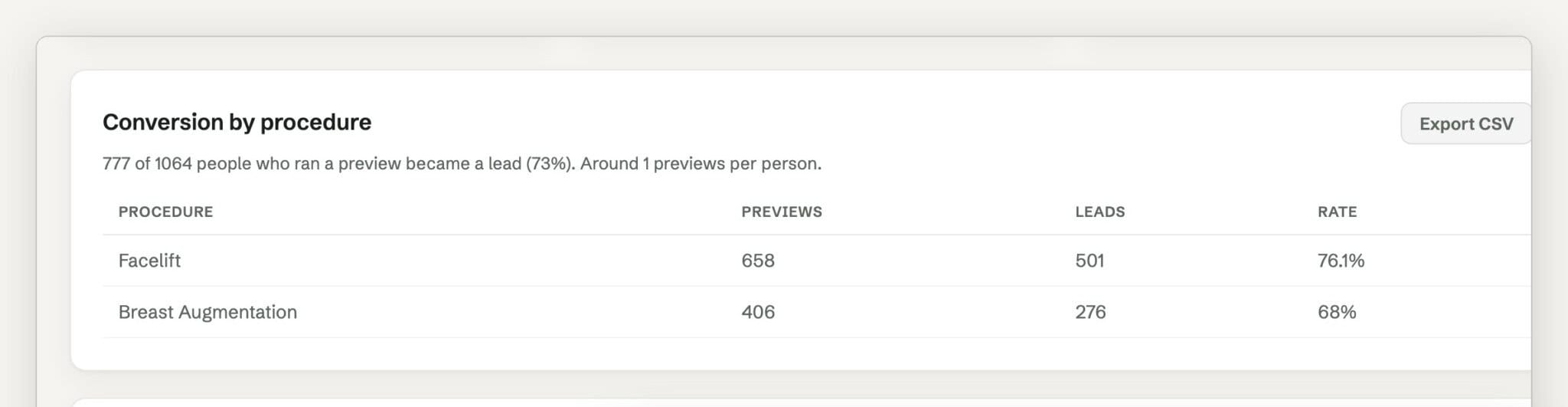
Rich analytics, straight from your dashboard. You’ll know which procedures your traffic wants and what your website turned them into.
- The whole funnel counted: widget views, previews started, leads delivered.
- Conversion by procedure and by page, so you know where the demand is.
- Month-over-month trends, so you can watch it compound.
1,064
Previews this month
777
Leads delivered
73%
Preview to lead
Sample practice data
Fourteen days free. Card up front, cancel anytime.
Privacy
The photo is processed for the preview, and then it’s gone.
There’s no library of patient photos on our servers and no image archive for anyone to secure, so the widget adds no new privacy burden to your practice. When a patient asks what happens to their photo, the answer is one sentence.
- No patient images retained, ever.
- Lead records carry contact info and the procedure, never the photo.
- Nothing stored means nothing to breach.
Territory exclusivity
You can own your market.
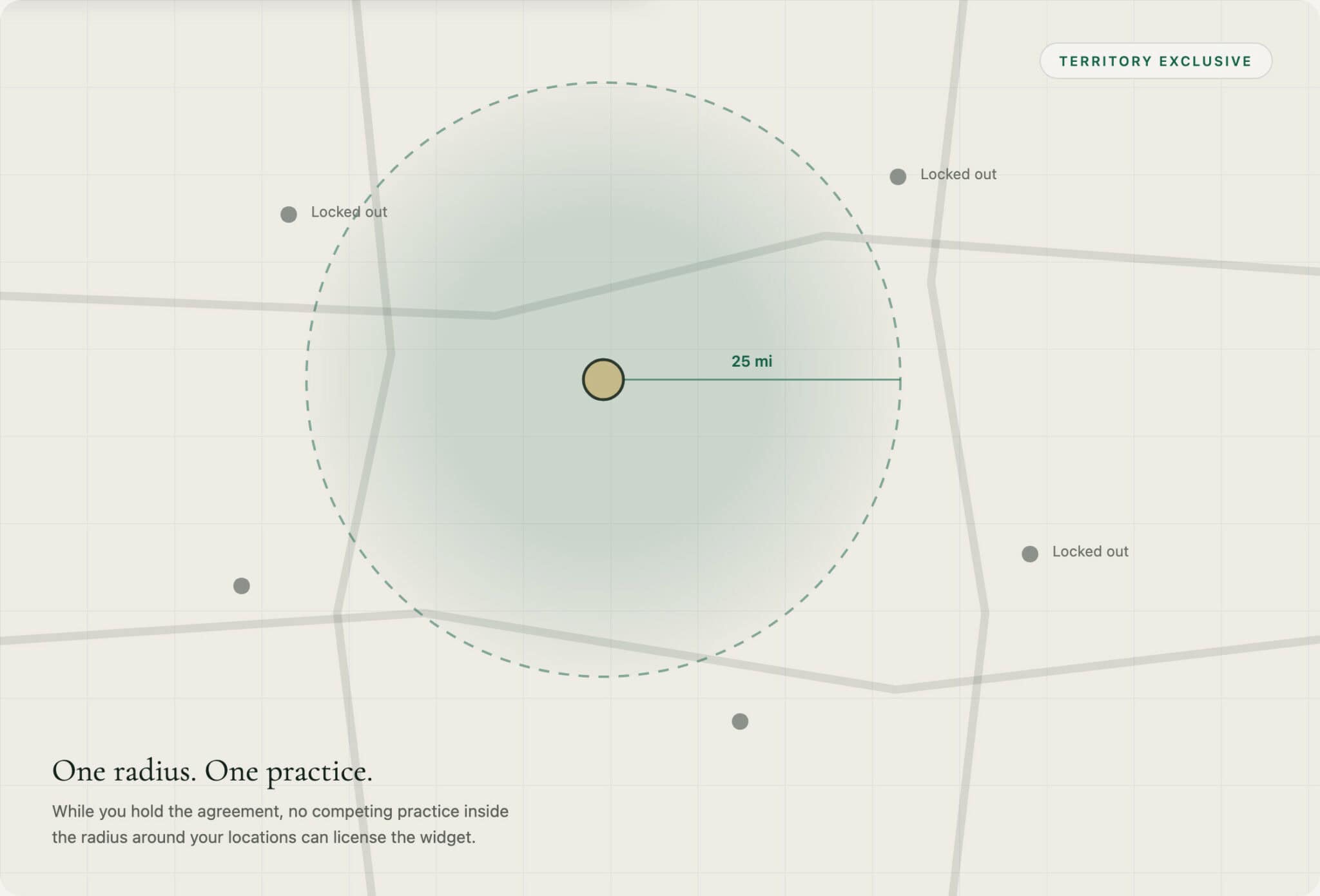
Territory exclusivity is a separate annual agreement, not something every plan includes. Take it and no competing practice inside your radius can license the widget for as long as you hold it.
- A radius around each of your locations, enforced by zip.
- Only available where nobody has already taken the market.
- Priced to the size of that market and quoted on a call.

Questions
What practices ask about PreviewMD.
What does PreviewMD do on my website?
A visitor uploads one front-facing photo and, a few minutes later, sees an anatomically correct picture of how they could look after the procedure. They give you their name and contact details before the picture appears, and those land in the tools your practice already uses.
How realistic is the picture a patient sees?
Realistic enough to hold up in your consult room. A double board certified plastic surgeon who has spent more than three decades in practice fine-tuned the AI, separately for men and for women, so the anatomy behaves the way it would in surgery. And it is framed to patients as a visualization: your consultation stays the authority on what is achievable.
Do patients need an app, an account or a scanner?
None of them. It runs on your website in the browser they arrived in. Nothing to download, nothing to log into, no camera and no capture room.
How long does a preview take?
A few minutes. The wait screen is yours to fill: your financing, your surgeon, or the procedure you want more of.
Can my team use it during a consultation?
Yes, on a tablet in the room. Take the photo, keep talking while it renders, and the patient looks at themselves instead of a gallery of other people’s results. It is covered by the subscription you already have.
Will it look like my practice or like a third-party tool?
Your domain, your colors, light or dark. White label it and our name is gone from the patient experience entirely.
What happens to the patient’s photo?
It is processed for the preview and then it is gone. Because it is never stored, it can never be passed on. What reaches your CRM is the name, the contact details and the procedure they previewed.
Can I keep competitors in my area from using it?
Yes, with territory exclusivity: one practice per market, written into an annual agreement, available only where the market is still unoccupied. While you hold it, no competing practice in your radius can license PreviewMD. Priced to the market and quoted on a call.


See your result before you decide.
14 days free on any plan. Card up front, cancel anytime.